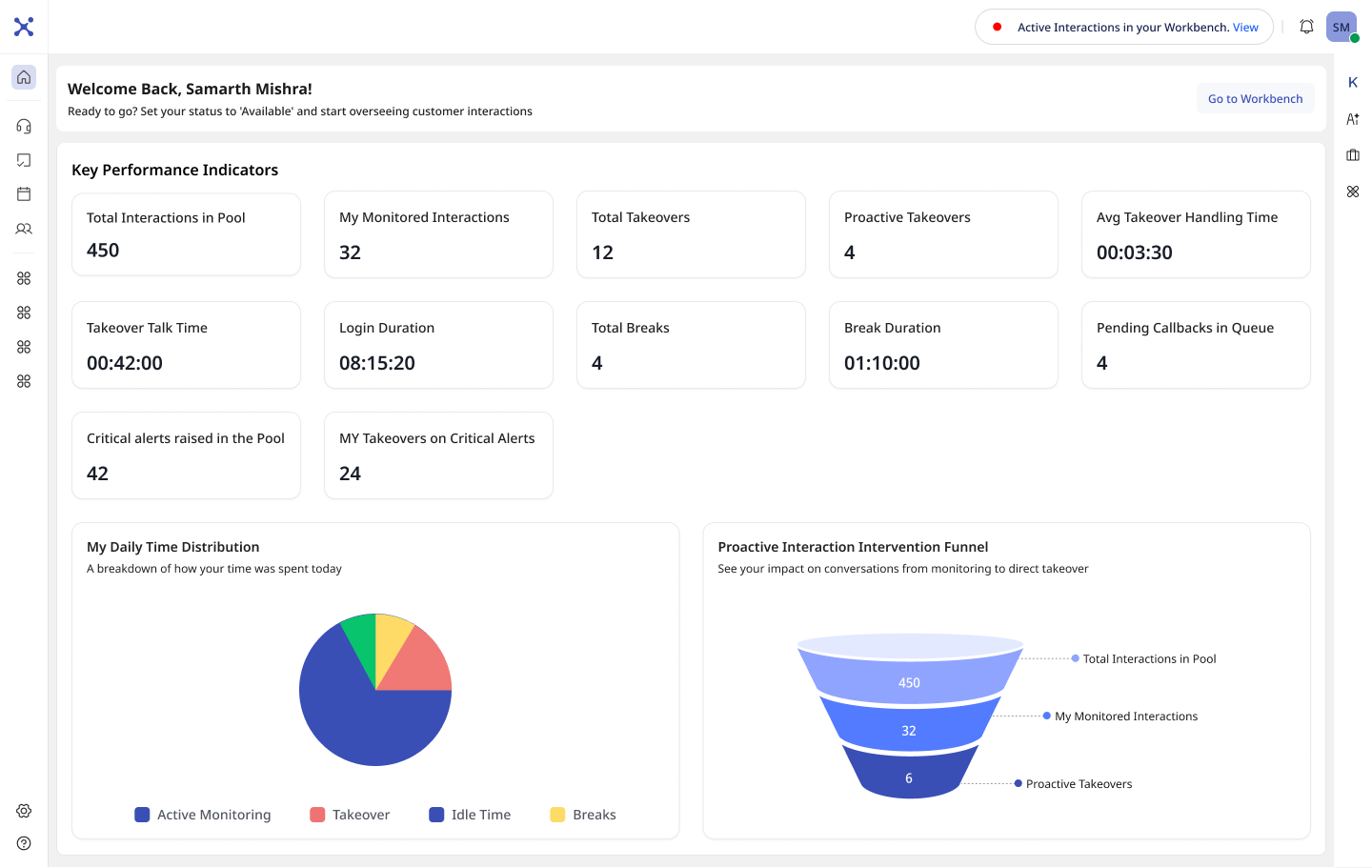
Redesigning the Contact-Center Workspace
Turning a legacy, 12-year-old agent interface into an AI-assisted workspace used across millions of customer conversations.
The impact, first
You order food. Your order is delayed. You tap Help & Support.
A Once-in-a-
Decade Reset
The workspace had run on Google Web Toolkit for over a decade. Patches kept it alive, but the architecture blocked modern interaction patterns, performance work, and any real UX ambition.
The Agent Is the System
Agents hold emotional, high-stakes conversations, switch tools constantly, and carry the brand in every call. The workspace wasn't a feature to them — it was their command center. Designing for them meant protecting focus, not just adding capability.
AI Changes the Role of the Agent
Verification, status checks and repetitive intents get automated before a human ever picks up.
What reaches an agent is now harder, more emotional and higher-stakes by default.
One Customer, Six Broken Tools
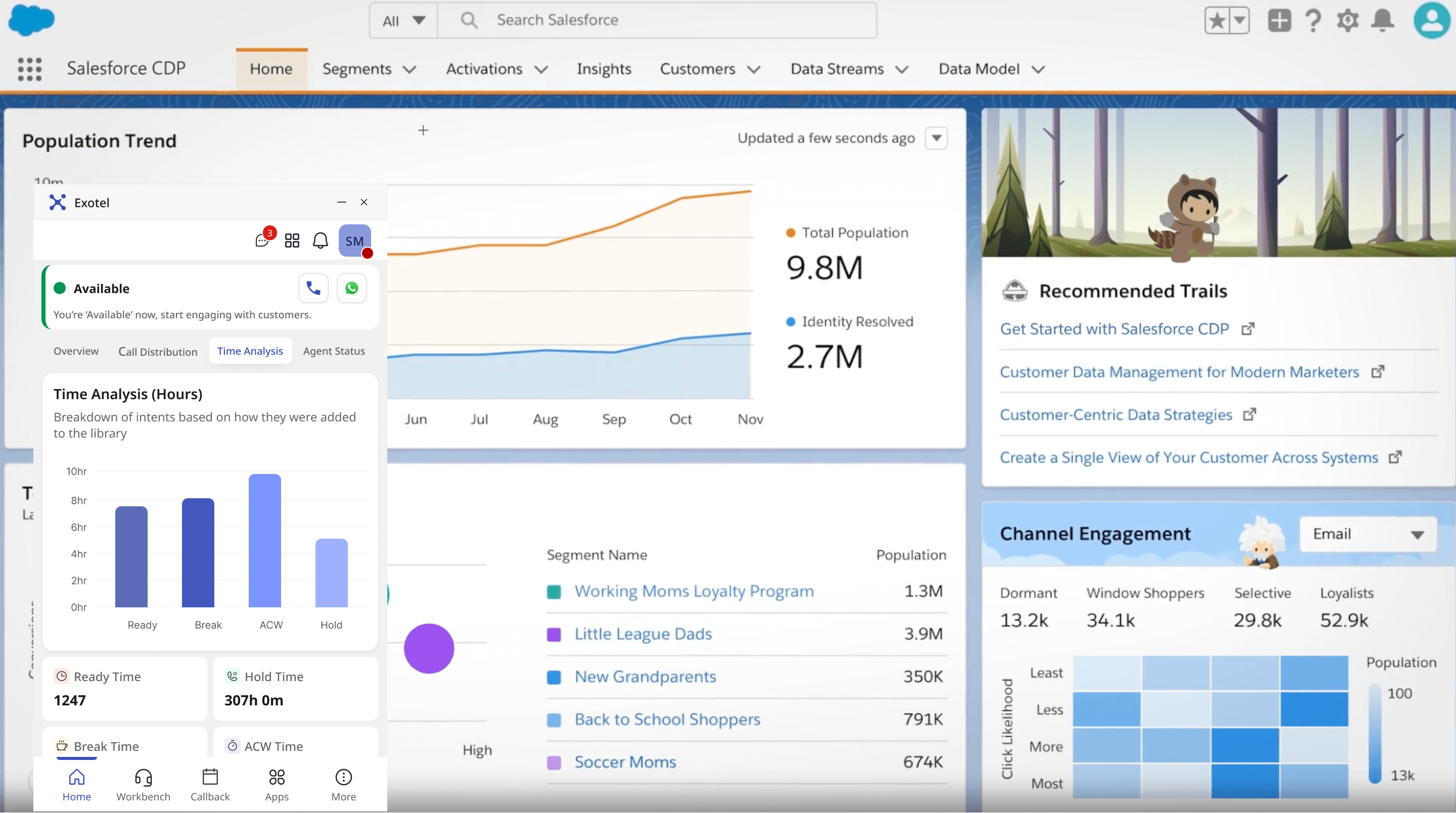
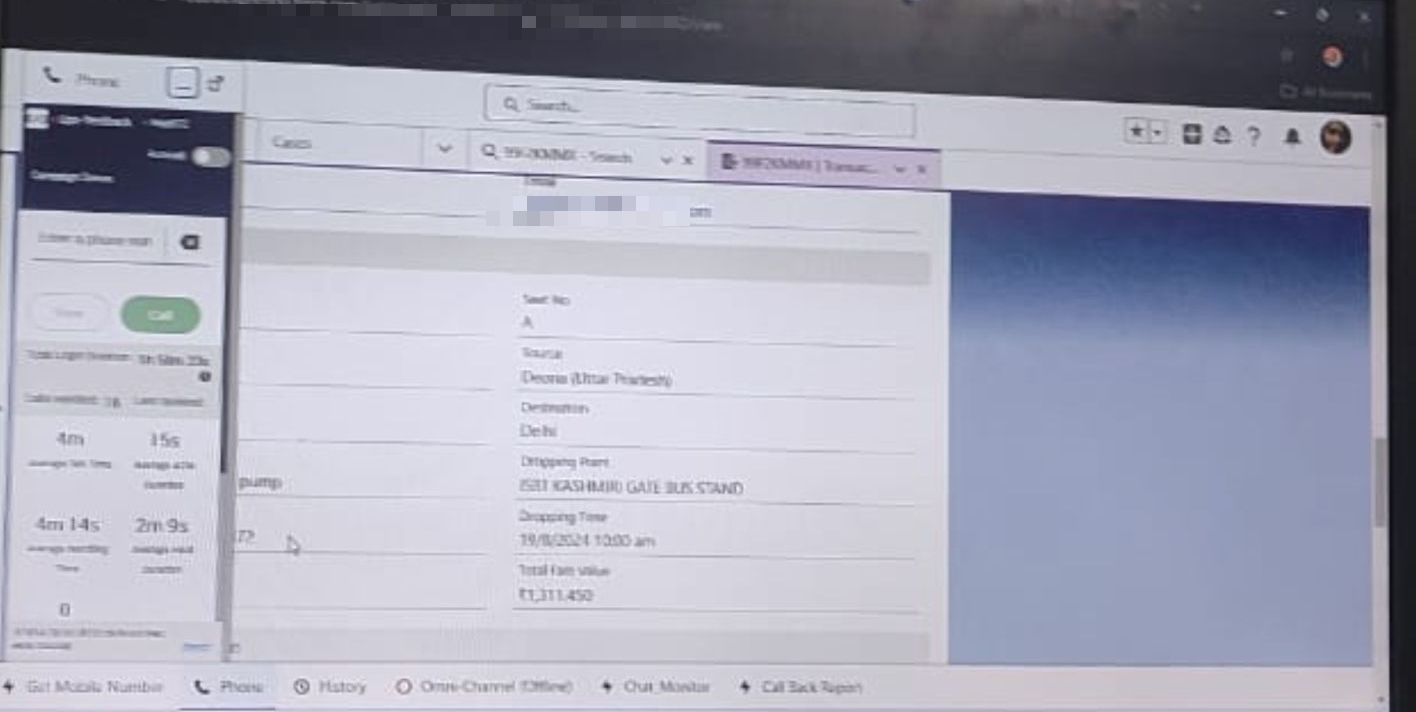
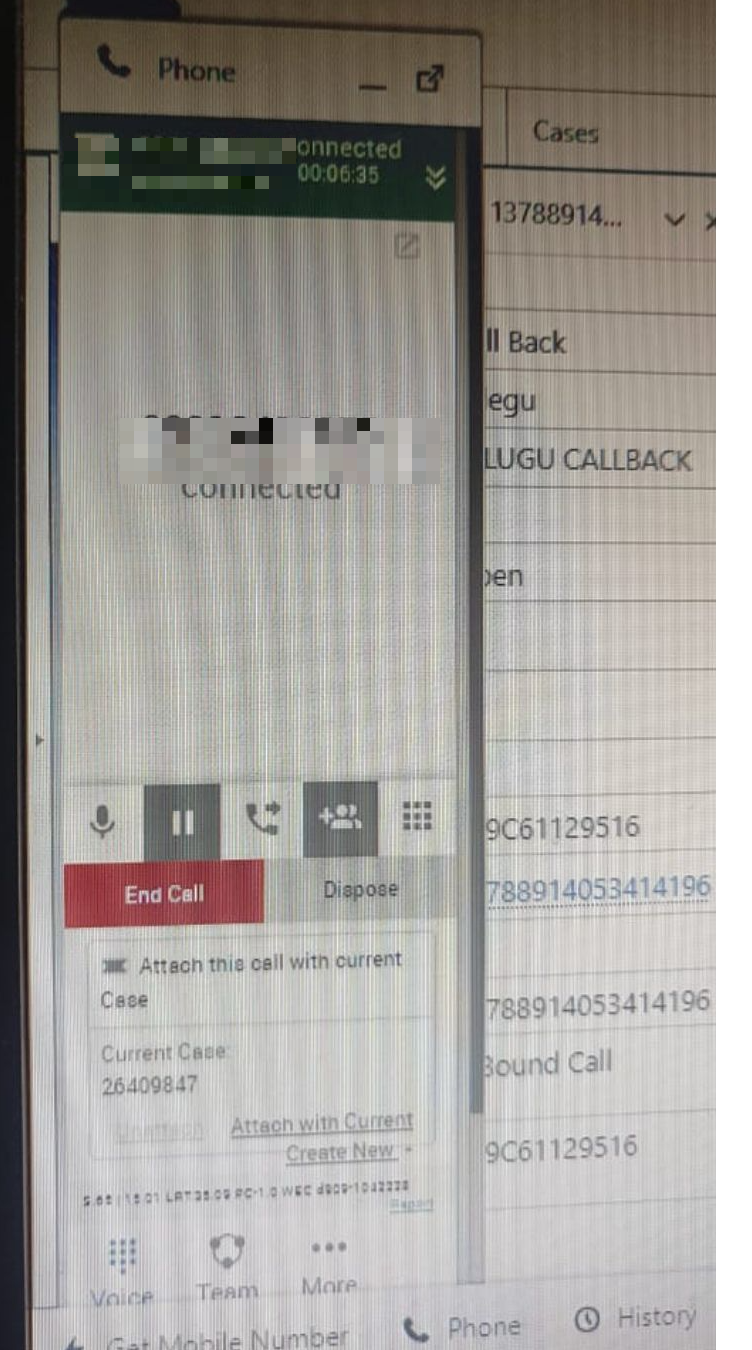
Before designing anything, I sat next to agents. What I found wasn’t one bad screen — it was a stack of disconnected tools: a bright legacy CRM, a bolt-on dialer floating on top of it, and a browser full of tabs. These are photos I captured sitting next to agents — de-identified.

How We Pressure-Tested the Hypothesis
Paired large-scale behavioral analytics with on-ground qualitative work — then validated the patterns beyond dashboards with enterprise clients (names bound by NDA).
Where We Stood,
Where the Field Was Going
Agents weren’t using one product — they were stitching several together. Meanwhile competitors were shipping the exact capabilities that stack couldn’t. I benchmarked both to find where a redesign would actually move the needle.
What We Tried,
What We Killed
Every decision earned its place. The directions we axed mattered as much as the ones we shipped — here's the spine of it.
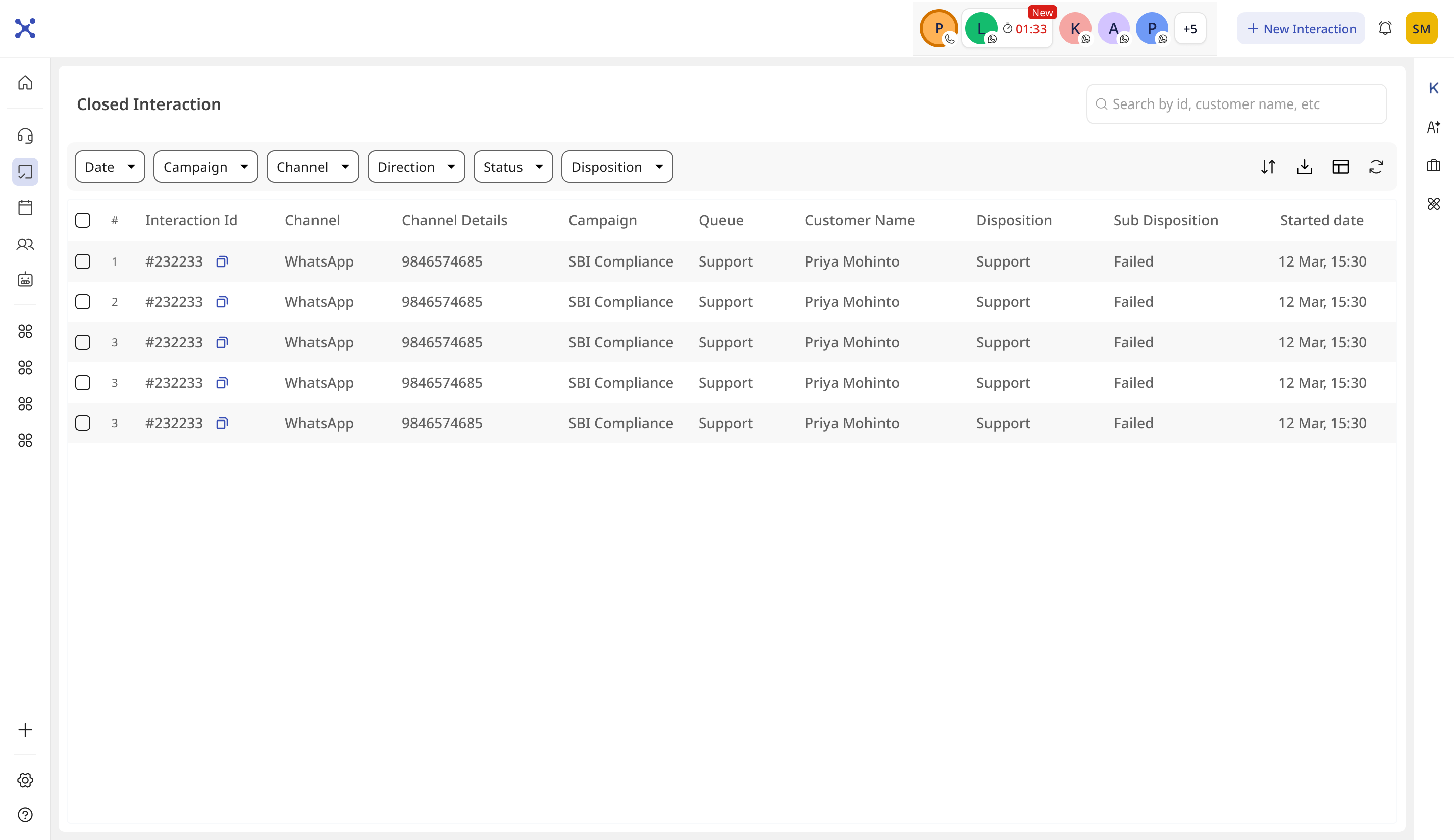
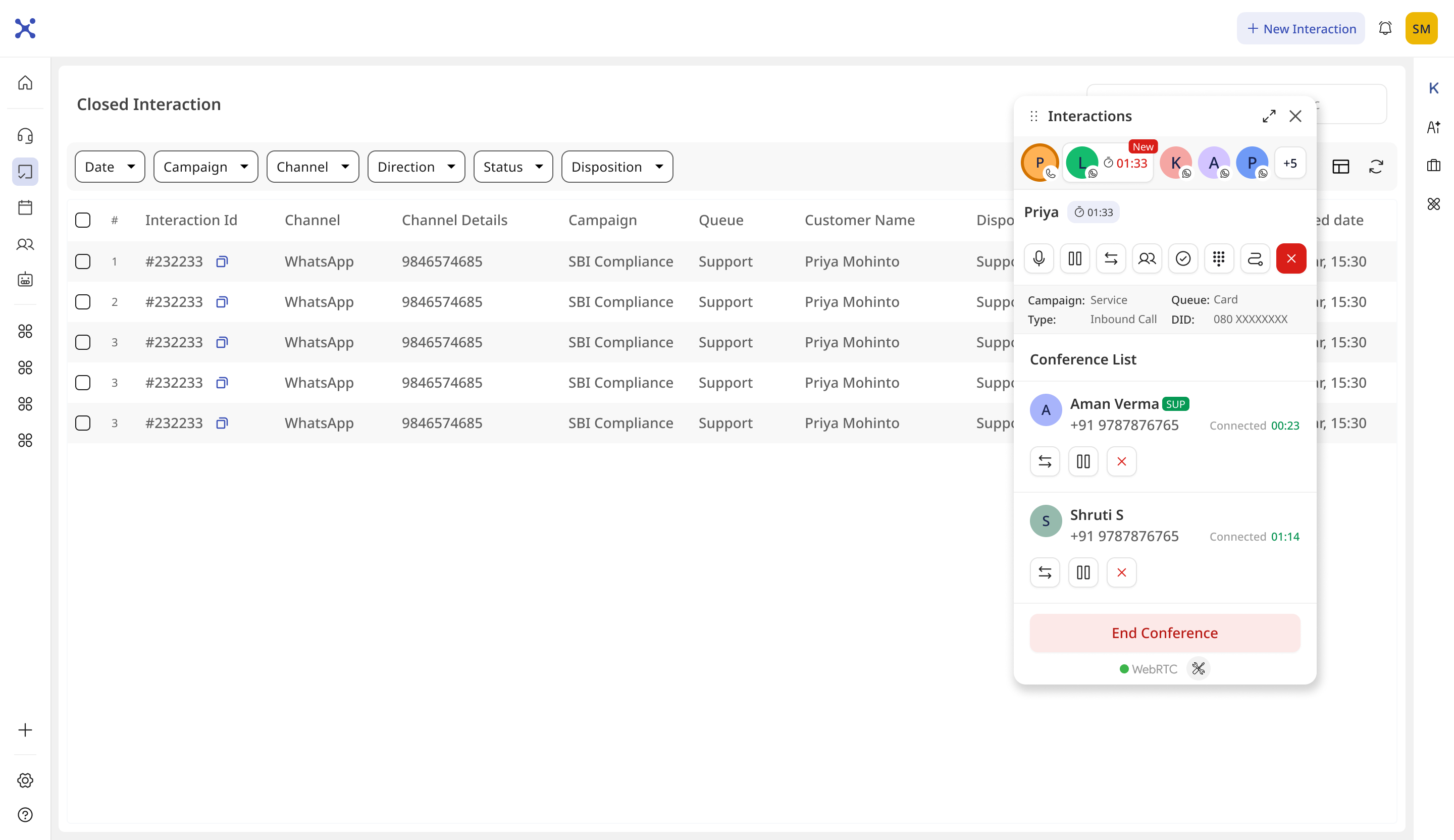
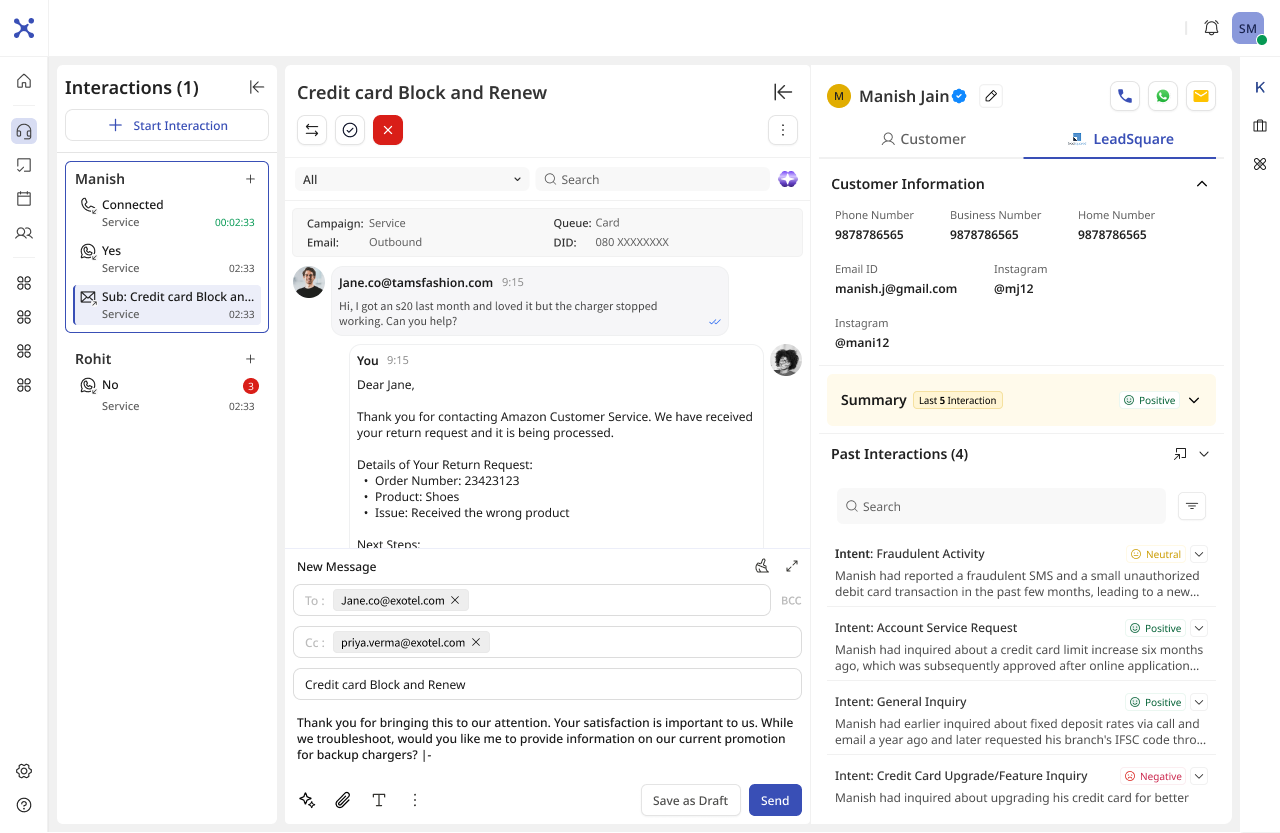
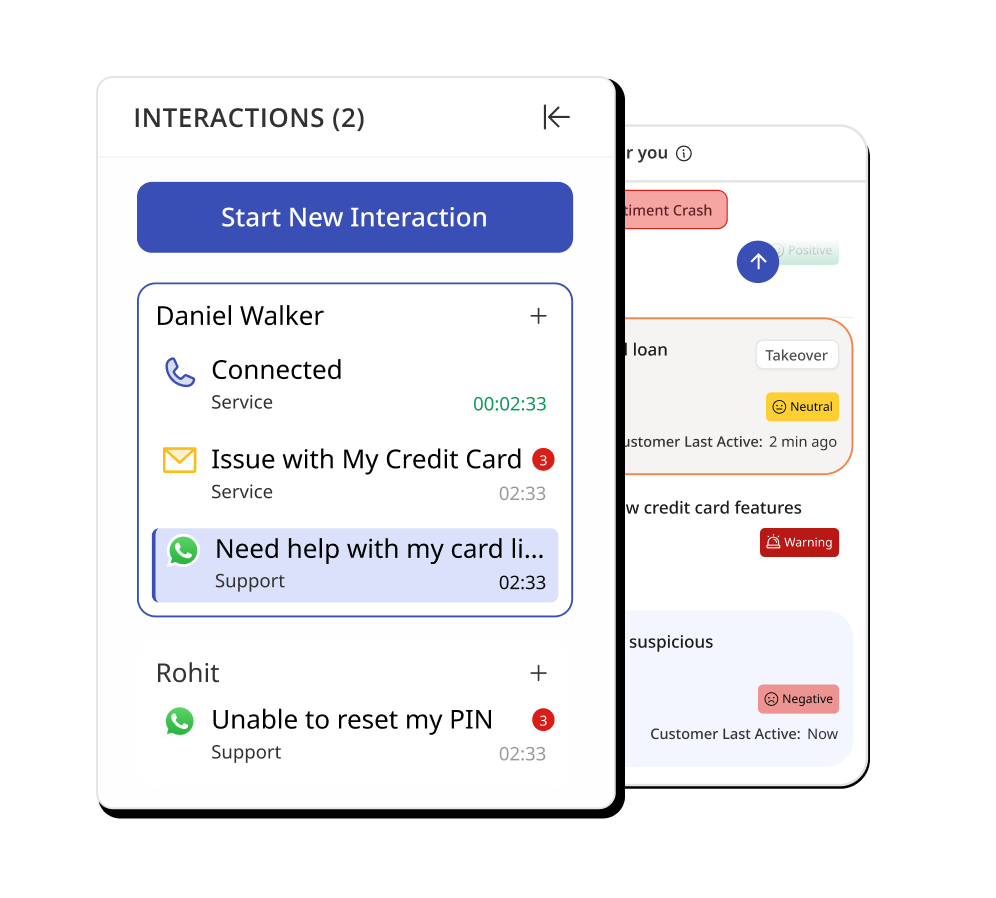
Four persistent panels, one view
Restructured the cost of tab switching into four panels that never disappear.
ACTIONS
CRIPT
TEXT
PARTY
Monitoring, out of the call
Performance monitoring competed with conversations. Moved it into a Home Dashboard — visible between interactions, never intrusive mid-call.
Intelligence In the Flow
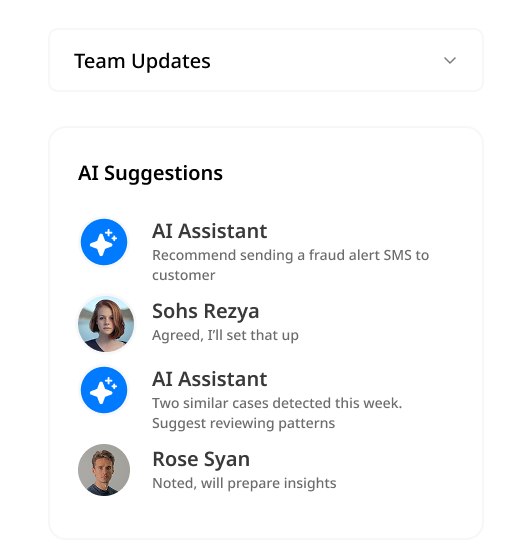
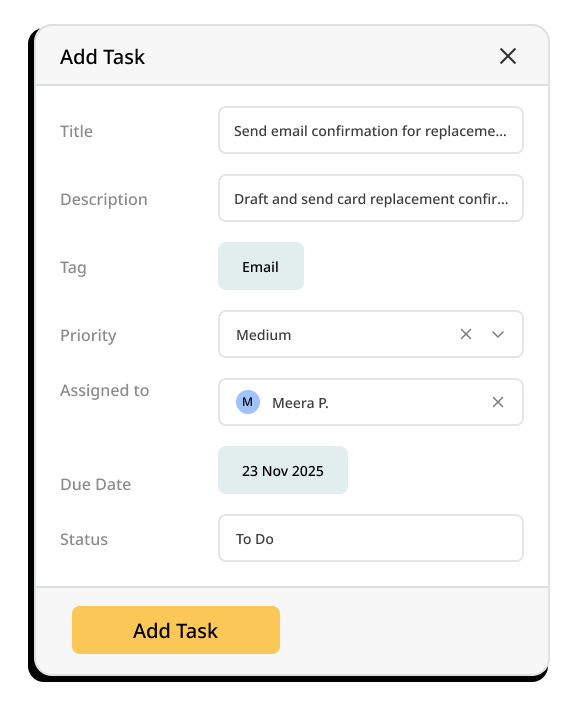
Instead of a separate AI feature, intelligence was embedded into the agent workflow itself.
Cuts manual tagging, improves reporting accuracy.
✦ Refund · Escalated autoIntent and promised actions survive a handoff — no “start from scratch.”
Fire when urgency or SLA risk spikes.
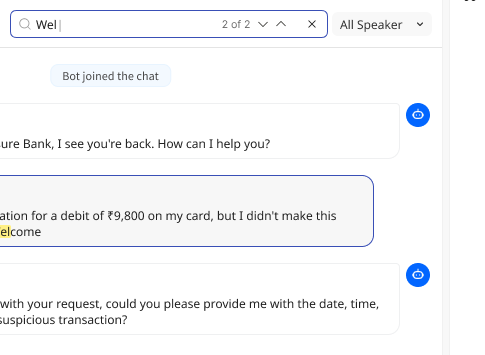
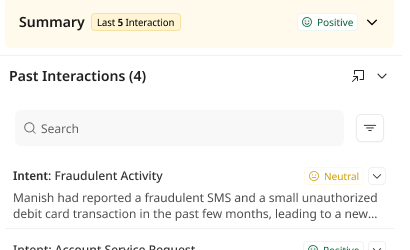
Across past and live conversations.
Production-Ready,
End to End
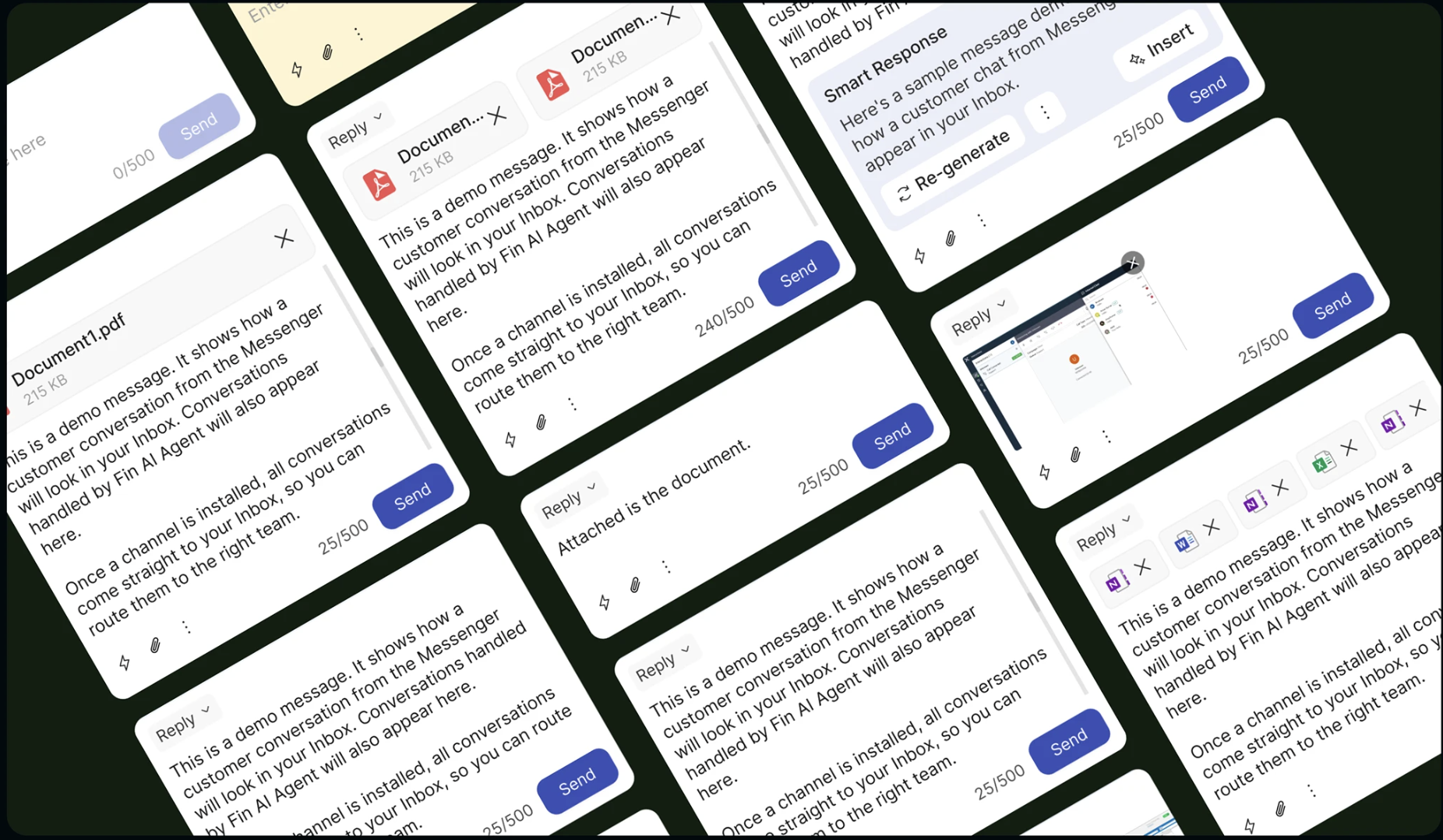
Getting Agents to Actually Switch
Redesigning was half the work — the real question was whether agents would move. We leaned on behavioral nudges.
One forceful migration popup got killed in review. We replaced it with a softer, phased rollout.
Everything has moved. Learn the new system now or fall behind.
Real Screens,
in Production
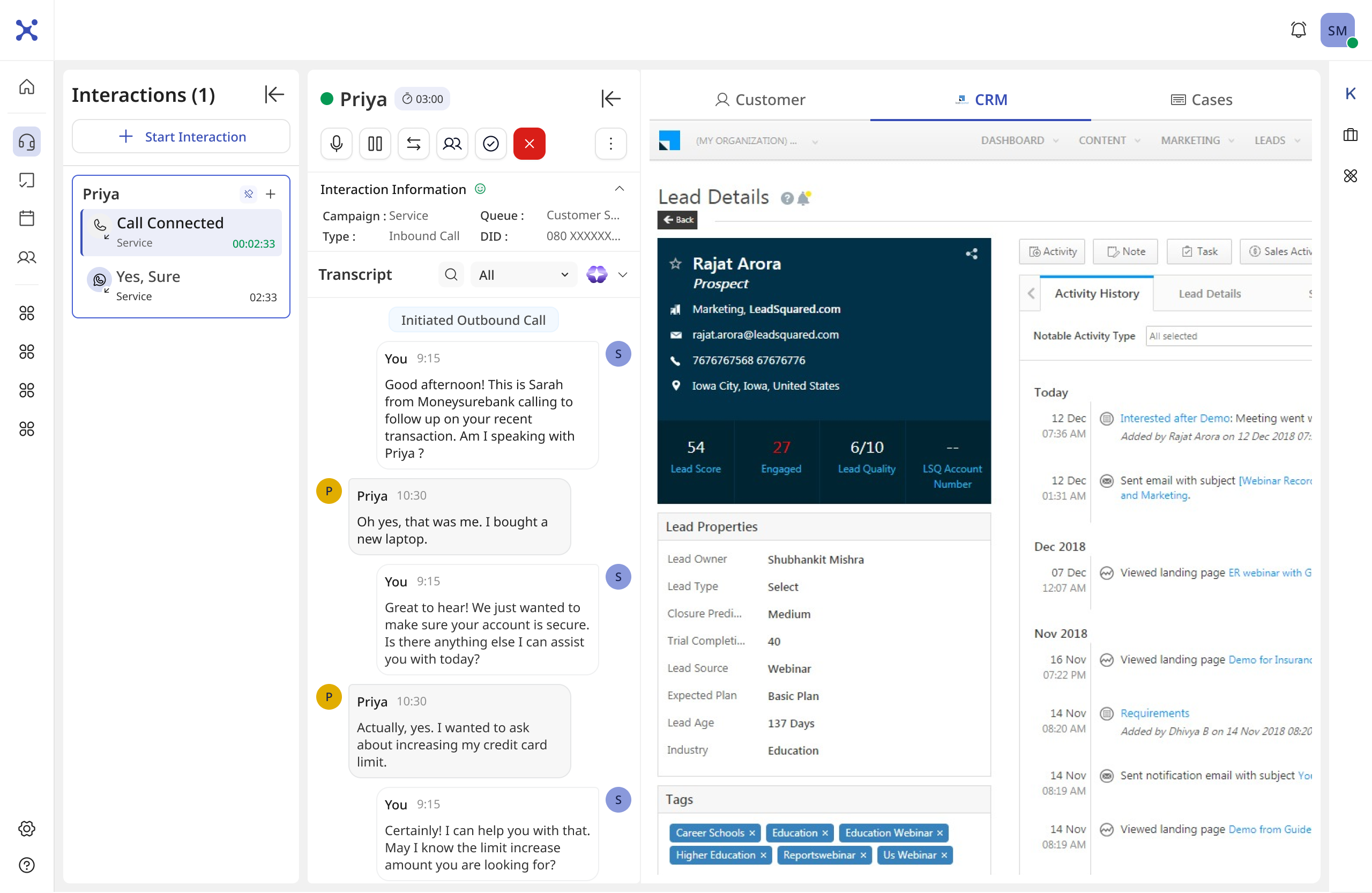
The same job, rebuilt
One connected call. On the left, the stack agents actually lived in. On the right, the workspace that replaced it — the call, the transcript and the CRM in a single, legible view.